

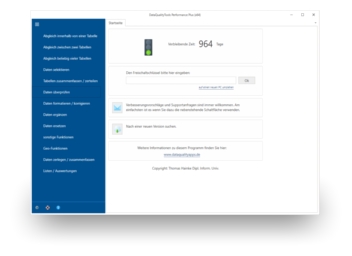
Our all-in-one solution for finding duplicates / dupes and quality improvement.
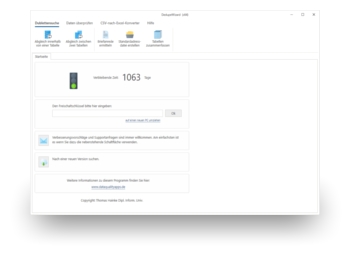
Our basic product for finding duplicate addresses in Excel.
Uninstall the program
You can uninstall the program using standard uninstall procedures:
- Ensure the programme is closed.
- Right-click on the Windows Start button.
- Select "Installed apps".
- Find the programme you wish to uninstall in the list of apps.
- Click on the three dots at the far right of the row, then click "Uninstall".
- Confirm your selection a second time by clicking "Uninstall".
- You will then be taken to the uninstaller for that programme. Follow the instructions there. The programme will then be uninstalled.
You may require Windows Administrator rights to uninstall applications.