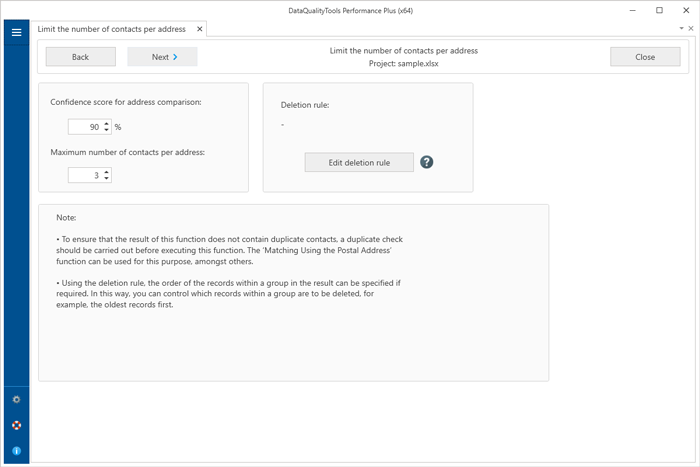
Limit the number of contacts per address
This function allows you to limit the number of contacts per address for company addresses. To do this, all records in the database or table containing addresses for a specific company are grouped together. From these groups, a sufficient number of records/contacts are then deleted so that only the desired maximum number of contacts remains.
Note:
- To ensure that the result of this function does not contain duplicate contacts, a duplicate check should be carried out before executing this function. The ‘Matching Using the Postal Address’ function can be used for this purpose, amongst others.
- Using the deletion rule, the order of the records within a group in the result can be specified if required. In this way, you can control which records within a group are to be deleted, for example, the oldest records first.