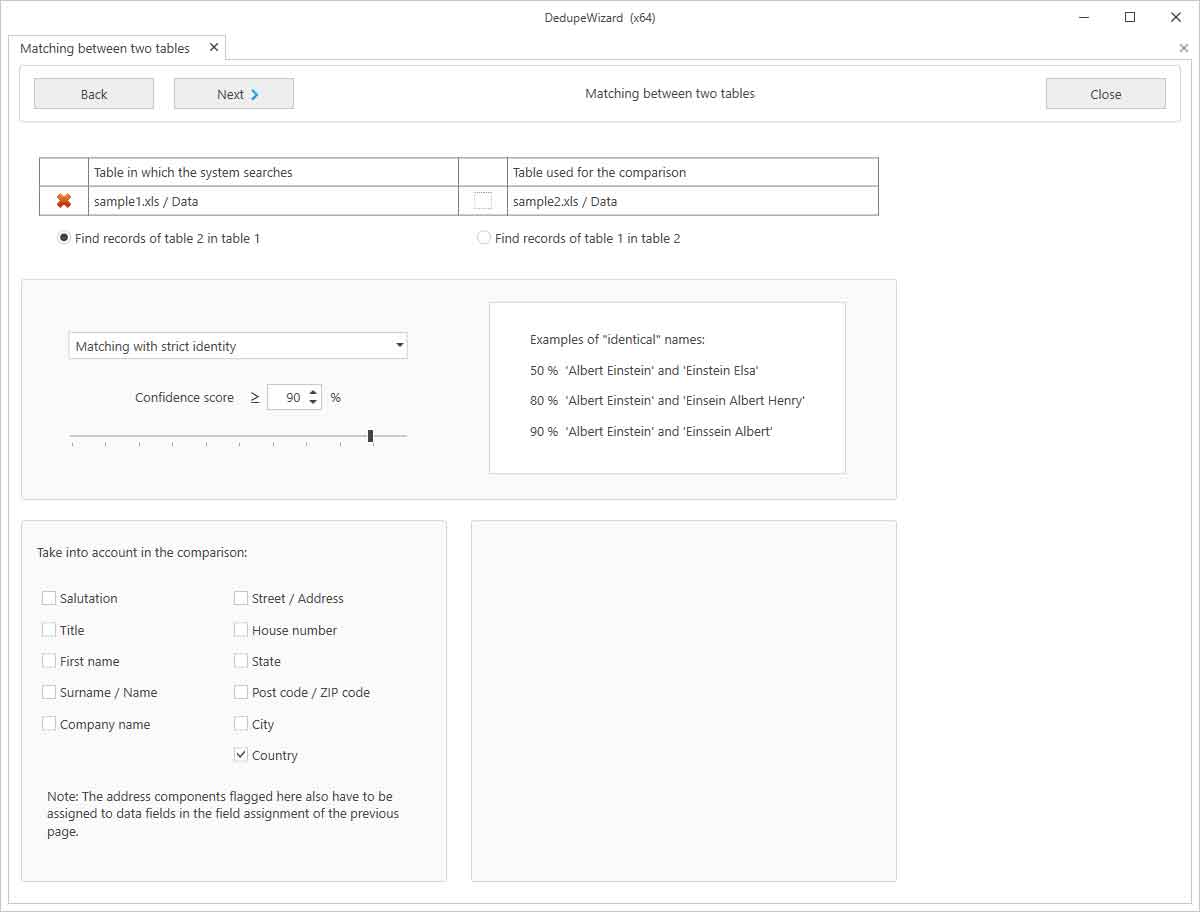

Here, one file/table is compared with another, e.g. to take addresses from a black list in consideration during an advertising campaign.
In order to deduplicate records between two tables, the following steps are required:
Selection of the matching criteria: Deduplication can be based on the postal address, the telephone number or the email address.
Opening of the Excel files to be processed: In doing so, the addresses from the second file will be searched for in the first file. Thus, the second file is a sort of like a lock-file and remains unaltered. When a spreadsheet other than the first one from the respective Excel file should be used, it can still be selected at a later time on the page where the field assignment is also carried out.
Carrying out the field assignment: You can find more information about this further above in the documentation.
Determination of the deduplication parameters: When the postal address is selected as a criterion, then the component parts of the address that should be used in the comparison and the threshold for the degree of matching can be entered here.
When the deduplication is finished, the matching results will be presented in form of a table. In this form, it can be verified before it is further processed. If required, manual modifications can be made here.
Finally, the matching results can then be processed, for example, in that the duplicate addresses are deleted in the source table.